
SHORTLIST · CURATED · DATED
Best Marketing Tools for Beginners 2026: 10 That Don't Overwhelm
The easiest marketing tools to start with in 2026. Matched to what you are trying to do: newsletter, email list, landing page, or CRM.
Best Marketing Software for Beginners (2026)
For solopreneurs in their first 6 months: no marketing background, under $50/mo budget, no developer. The right starting tool depends on what you are building. Someone starting a newsletter needs something completely different from someone selling a product or managing clients.
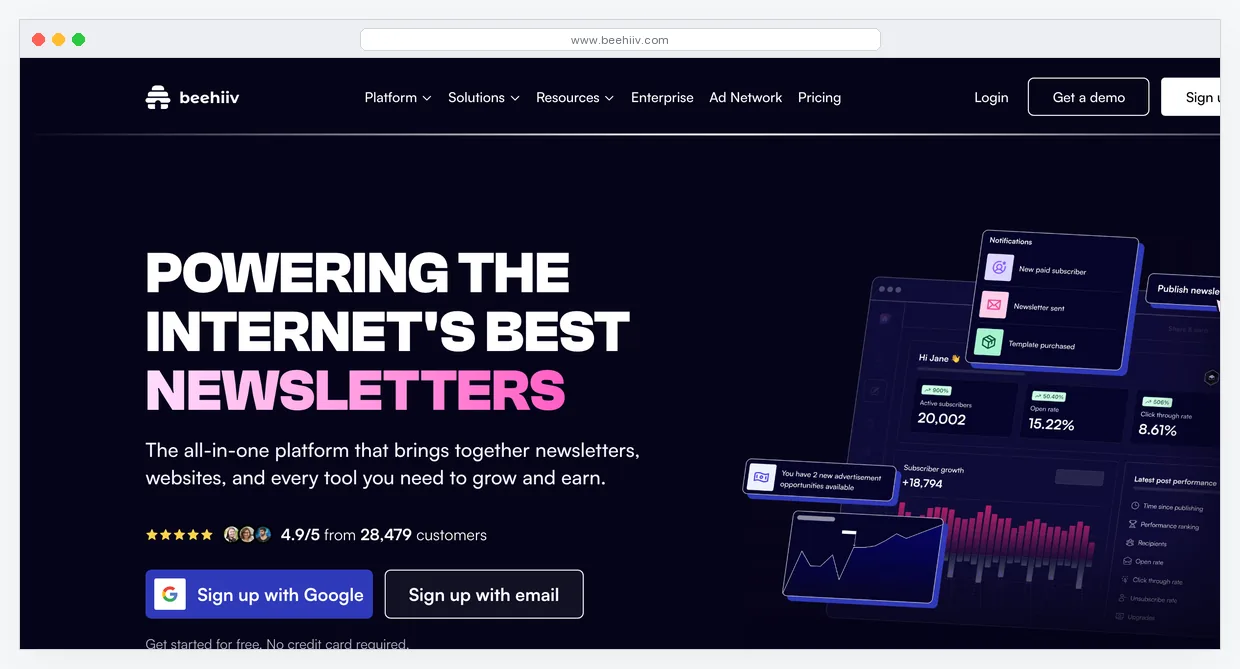

beehiiv
Free / $43/mo Scale plan • Easiest Newsletter Platform The easiest way to start a newsletter. Setup takes 20 minutes, the editor requires no technical knowledge, and you can publish your first issue the same day you sign up. The free plan includes unlimited sends, a custom domain, a basic web presence for your newsletter, and access to the beehiiv recommendation network, where other newsletters can recommend yours to their subscribers. For a beginner whose entire business model is the newsletter, there is no faster path from zero to published.
Where it falls short: beehiiv is a newsletter platform, not a marketing platform. There are no sales funnels, no CRM, and no landing pages beyond a newsletter signup page. It is only relevant if the newsletter is the core of your business model, not an add-on channel.
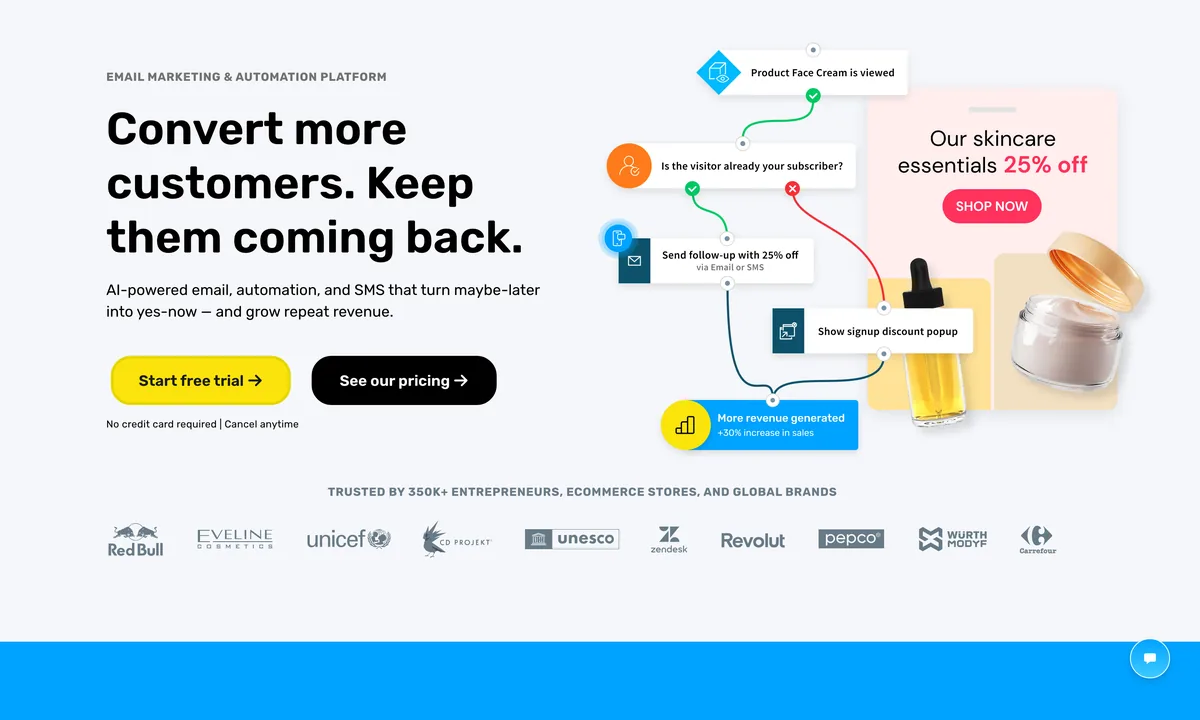

GetResponse
$15/mo (30-day free trial) • Email + Landing Pages + AI Creator + Step-by-Step Onboarding The most complete beginner platform at $15/mo. Email marketing, landing pages, basic automation, and an AI email creator are all in one account. The guided setup wizard walks a complete beginner through creating their first campaign without needing to know what to do next. At $15/mo it costs less than most individual tools and you avoid the need for separate subscriptions for email and pages during the early stage.
Where it falls short: No permanent free plan. The 30-day trial expires and then $15/mo is required. If budget is the hard constraint, start free with beehiiv for newsletters or HubSpot CRM for client tracking. GetResponse is the right call when you want a proper paid platform from day one.
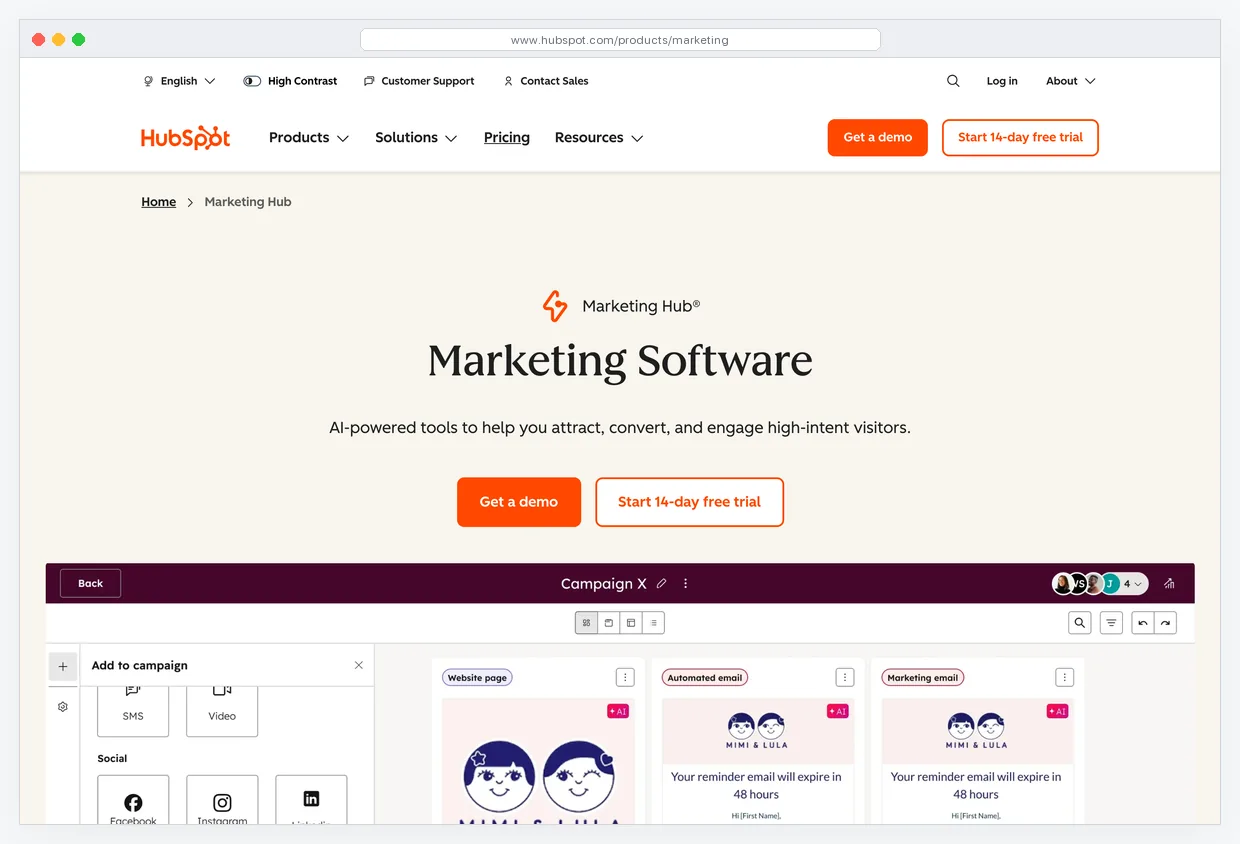

HubSpot CRM
Free Forever • Clean Interface, 1M Contacts, Deal Tracking HubSpot CRM free is the best starting point for a beginner who needs to track client relationships and sales conversations. The free plan includes 1 million contacts, unlimited users, a deal pipeline, meeting scheduler, and live chat. The interface is clean enough to learn in an afternoon. HubSpot Academy offers free certifications in email marketing, content, and inbound strategy, so a beginner gets structured learning alongside the tool at no cost.
Where it falls short: No email automation on the free plan. HubSpot is a CRM, not an email broadcast platform. If you want to send email campaigns or set up automated sequences, you need a separate tool or a paid HubSpot Hub starting at $45/mo.
Mailchimp
Free / $13/mo • Most recognized brand, beginner-friendly but gets expensive fast Mailchimp is the most documented email tool in existence. Search for help with any email marketing task and there are tutorials, YouTube videos, and blog posts for Mailchimp specifically. The free plan covers 500 contacts and 500 email sends per month with no automation. For a complete beginner who learns by searching for step-by-step guides, the size of the third-party tutorial ecosystem is a real practical advantage.
Builderall
$16.90/mo • All-in-one with 40+ tools, overwhelming for beginners but cheapest entry price Builderall includes 40+ tools in one subscription: website builder, funnel builder, email marketing, webinar hosting, chatbot, and more, starting at $16.90/mo. On a per-tool basis it is the cheapest all-in-one platform available. The catch is that most beginners use 3 to 4 of those 40 tools and spend the first month figuring out which ones they need rather than building anything.
ConvertKit (Kit)
Free / $9/mo • Creator-focused, simple tagging, free up to 10,000 subscribers ConvertKit, now branded as Kit, is built for creators: writers, podcasters, and course sellers who want email marketing without a marketing background. The tagging system is simpler than Mailchimp's list-based approach and easier to understand for someone new to segmentation. The free plan supports up to 10,000 subscribers, which is the most generous free tier of any email tool by list size. Paid plans start at $9/mo.
Leadpages
$37/mo • Drag-and-drop landing pages, 200+ templates, easiest page builder to learn Leadpages is the easiest dedicated landing page builder to learn. Every template includes a conversion rate score from historical data, so you start from a design that has performed rather than guessing. Drag-and-drop editing requires no design background and a complete beginner can have a professional opt-in page live in under 30 minutes. Alert bars and pop-ups are included on all plans.
Carrd
$9/yr • One-page sites, no learning curve, best first website for solopreneurs Carrd is the fastest way to have something live on a custom domain. At $9 per year for a custom domain, it is the cheapest legitimate web presence available. Waitlist pages, personal sites, link-in-bio pages, and portfolio pages are all 10 to 20 minute builds with zero learning curve. The free plan includes one site with no bandwidth limit. Nothing to configure, no plugins, no hosting decisions.
Notion
Free • Best free tool for organizing your marketing before you have an audience Notion is not marketing software, but beginners use it to plan content calendars, track outreach, build a simple client database before they have revenue for a CRM, and document their processes. Using Notion before committing to paid tools forces you to clarify what you actually need from a marketing stack, which prevents overspending on software that does not match your real workflow. The free plan covers all of this indefinitely.
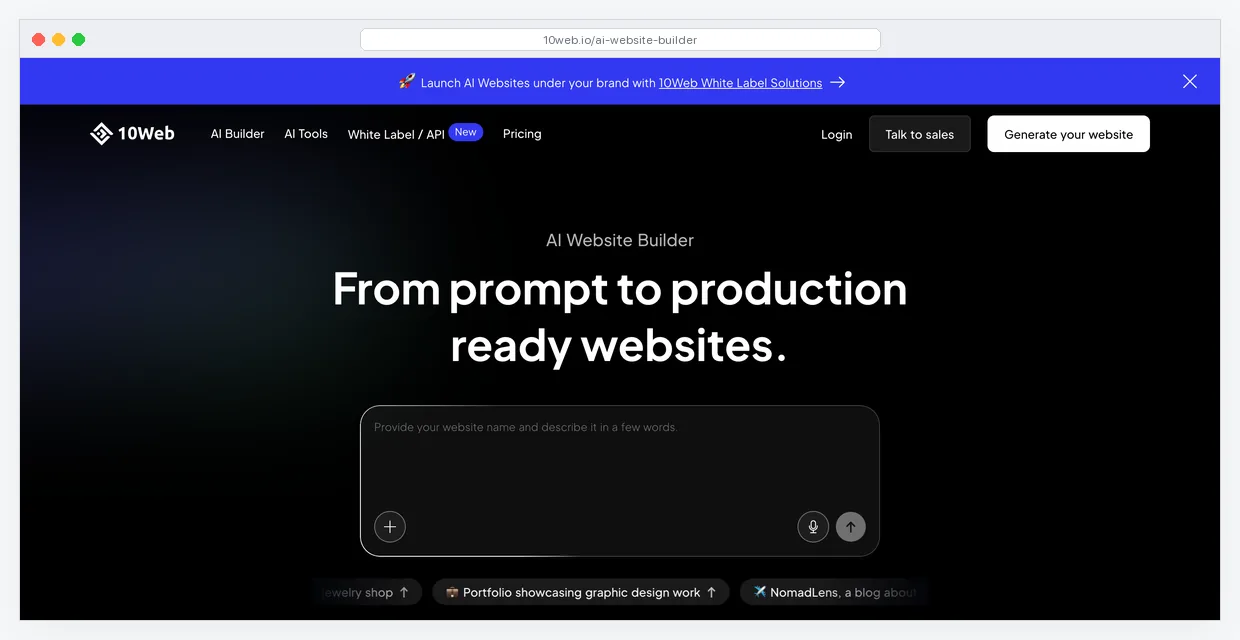

10Web
$10/mo • AI website builder, generates a WordPress site from a description, good for non-technical users 10Web uses AI to generate a full WordPress website from a text description of your business. You describe what you do, and the AI builds a structured site with relevant pages, copy, and images in a few minutes. Starting at $10/mo it includes managed WordPress hosting, so there is no server setup. For a non-technical beginner who needs a full website rather than a single landing page, this is the lowest-friction path to a real WordPress site.
Not sure where to start?
Paste your website URL and get a personalized recommendation in 30 seconds.
Analyze My Stack →Frequently Asked Questions
What marketing tool should an absolute beginner start with?
It depends on your business model. Starting a newsletter: use beehiiv free. Building a product or course business: use HubSpot CRM free for client tracking and GetResponse at $15/mo for email and landing pages when you are ready to pay. Doing client or service work: start with HubSpot CRM free. The wrong answer is buying five tools before you have any customers. Pick one platform that matches what you are actually building and use it until it breaks.
Is Mailchimp good for beginners?
Yes for learning, with a caveat on cost. Mailchimp has the largest tutorial ecosystem of any email tool, which makes it easy to find help for any question. The free plan covers 500 contacts and 500 sends per month. The issue is that pricing scales fast: once you grow past the free tier, Mailchimp becomes more expensive than alternatives like GetResponse or Brevo at the same list size. Start with Mailchimp if you plan to learn from tutorials. Switch to GetResponse or Brevo before you hit 500 contacts if cost is a factor.
beehiiv vs Mailchimp for a new newsletter?
beehiiv for a dedicated newsletter business. Mailchimp if the newsletter is a secondary channel alongside other email marketing. beehiiv is purpose-built for newsletters: cleaner writing experience, built-in subscriber recommendation network, better web presence for your newsletter archive. Mailchimp is a general email marketing tool that handles newsletters but is not optimized for them. If publishing a newsletter is the core of your business, beehiiv is the better starting point. If you need newsletter plus product emails plus automated sequences in one account, use GetResponse or Mailchimp.
When should a beginner upgrade from free tools to paid?
When a specific free plan limit is actively blocking growth. Not before. Common triggers: you hit the contact or send limit on your email tool and cannot add new subscribers, you need automation that the free plan does not include, or your landing page tool lacks A/B testing and you are spending money on ads. Do not upgrade preemptively. Most beginners spend $200 to $300 per month on tools they do not use before hitting any real limit. Upgrade when you hit the wall, not when you think you might.
What is the simplest way to start collecting email subscribers?
Sign up for beehiiv free (for a newsletter), GetResponse free trial (for a product business), or Kit free (for a content creator). Create one opt-in page or form. Add a link to it in every social bio and every piece of content you publish. Send something to your list once per week. That is the entire system for the first 6 months. Do not set up automation sequences, lead magnets, or segmentation until you have 100 subscribers and a consistent sending habit. The tools are not the bottleneck at the start.