
SHORTLIST · CURATED · DATED
Best Marketing Automation for Solopreneurs (2026)
Marketing automation for solopreneurs. Email-platform automation that runs without a developer, real subscriber pricing, and where Make and Zapier actually fit in.
Best Marketing Automation for Solopreneurs (2026)
Most marketing automation lists confuse two different things. Email-platform automation runs sequences, scoring, and behavioral triggers inside a single email tool: this is what 90% of solopreneurs actually need. Workflow automation (Make, Zapier, n8n) connects external apps so data moves between them. Start with the email platform. Add a workflow tool only when you have something to connect.
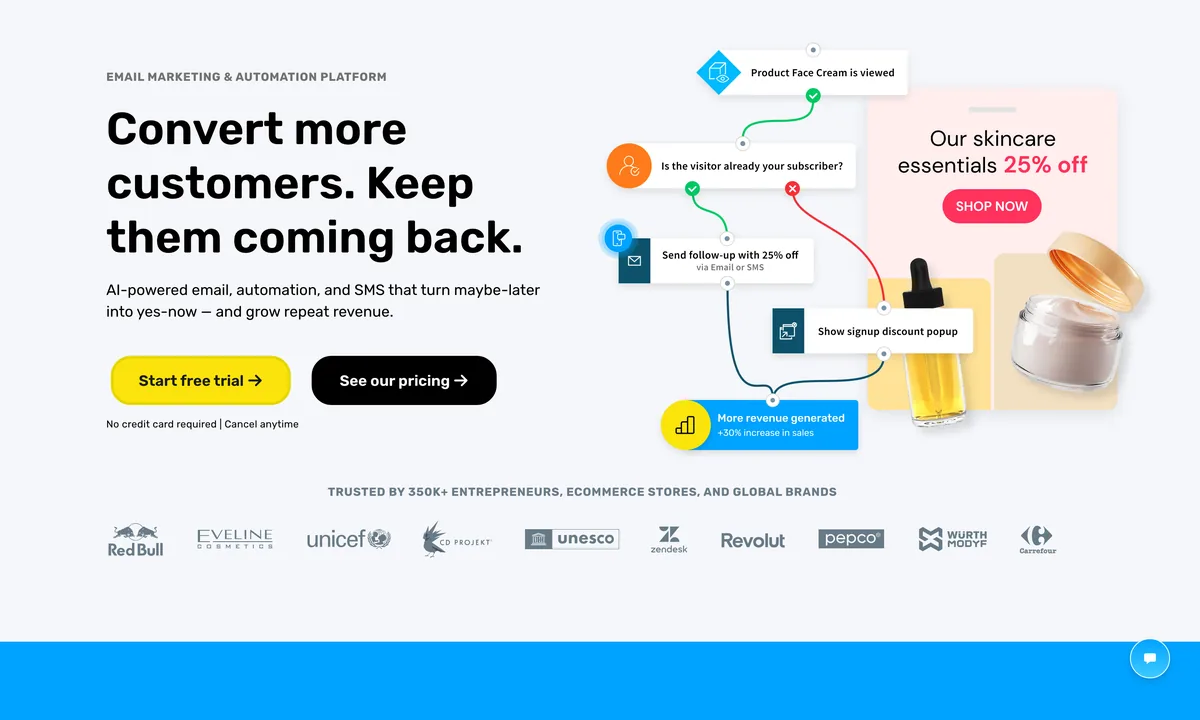

GetResponse
Best for: Solopreneurs who want one bill for email, automation, landing pages, and webinars. The free plan covers 500 contacts with one automation. The $19/mo Email Marketing plan unlocks the visual automation builder with event-based triggers, contact scoring, and conditional paths. The webinar trigger is genuinely unique: enroll someone in a post-webinar sequence based on attendance status without a separate tool. Visual builder is more accessible than ActiveCampaign for non-developers.
Skip this if: You only send broadcasts and never plan to automate. MailerLite or Brevo cost less for pure broadcast. Skip if your CRM is the source of truth and email is downstream: ActiveCampaign integrates better.
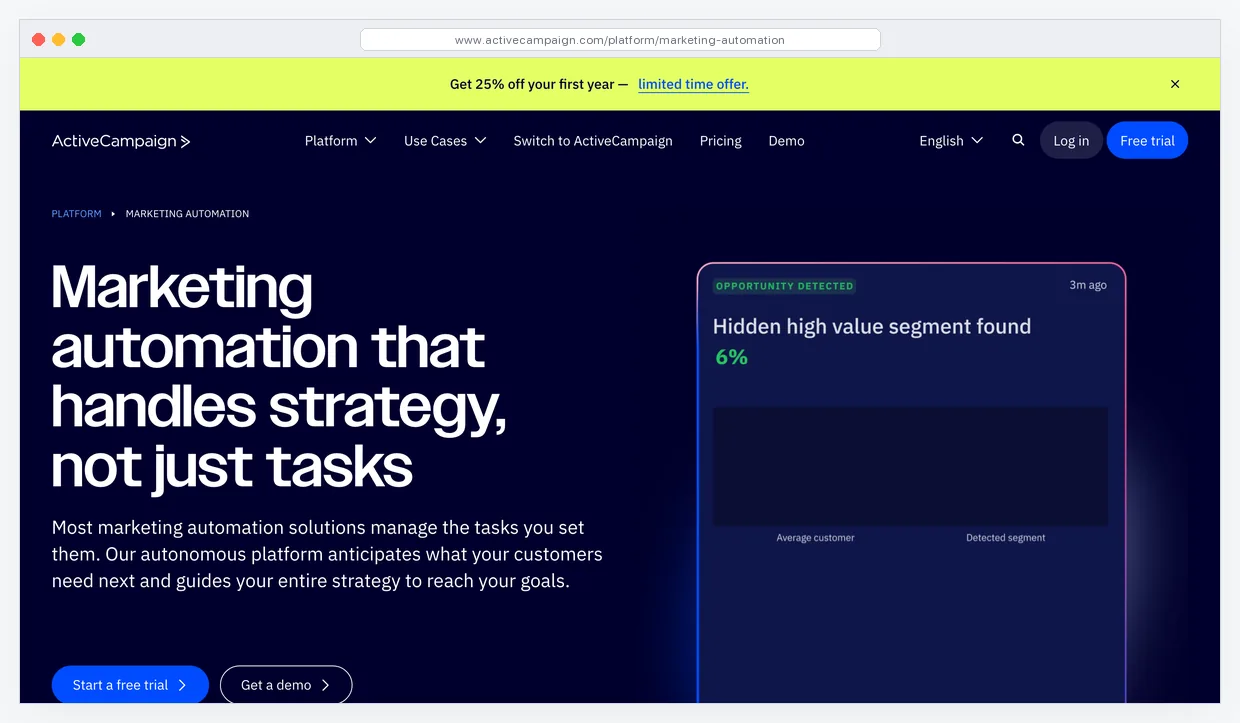

ActiveCampaign
Best for: Operators graduating into real behavioral automation: contact scoring, conditional branching, predictive sending, and CRM integration. If someone visits your pricing page three times without buying, ActiveCampaign triggers a targeted follow-up automatically. The conditional logic depth is the deepest in this category. Lite plan is $15/mo for 500 contacts. The Plus plan at $49/mo adds CRM, lead scoring, and SMS.
Skip this if: You have under 200 subscribers and aren't ready to build automations. The interface depth is overkill. Start on MailerLite, move here when you actually have behavior to react to. Migration note: exports include automation logic only as JSON, not a clean import target — plan a manual rebuild on the new tool.


MailerLite
Best for: Solopreneurs at zero through 1,000 subscribers who want automation that doesn't punish the free plan. Free through 1,000 subscribers and 12,000 monthly emails, including a visual workflow builder, signup forms, and a landing page. Paid Growing Business plan starts at $9/mo for 500 subscribers, lifting the email cap and adding A/B testing. Drag-and-drop builder is the cleanest in this category.
Skip this if: You need lead scoring, true CRM, or advanced conditional logic. MailerLite's automation is linear sequences with basic branching, not full behavioral logic. Migration note: imports from Mailchimp, ActiveCampaign, and ConvertKit work cleanly. Exports are CSV with full automation history.


Brevo
Best for: A large dormant list with bursty sending. Brevo bills on emails sent, not contacts stored, so a 50,000-contact list that mails once a month costs less than on a per-contact tool. Free plan includes unlimited contacts and 300 emails per day. Starter at $9/mo unlocks 5,000 emails per month. Automation includes workflows, transactional email, SMS, and a basic CRM.
Skip this if: You mail your list weekly. Per-send pricing only wins on infrequent sends. The visual workflow builder is functional but trails GetResponse and ActiveCampaign on conditional depth.


Kit
Best for: Creators selling courses, paid newsletters, or digital products who want tag-based automation rather than list-based. Visual automation builder with text-first email templates that look like a writer wrote them, not a designer. Creator Network gives you sub recommendations from other Kit publishers. Free through 10,000 subs (sends only, no automation). Creator plan at $25/mo for 1,000 subs unlocks automations and integrations.
Skip this if: You need rich HTML templates, ecommerce automation, or you're cost-sensitive. Kit's pricing per subscriber is the highest of the email-first tools on this list. The text-first aesthetic is a feature for writers, a wall for designers.
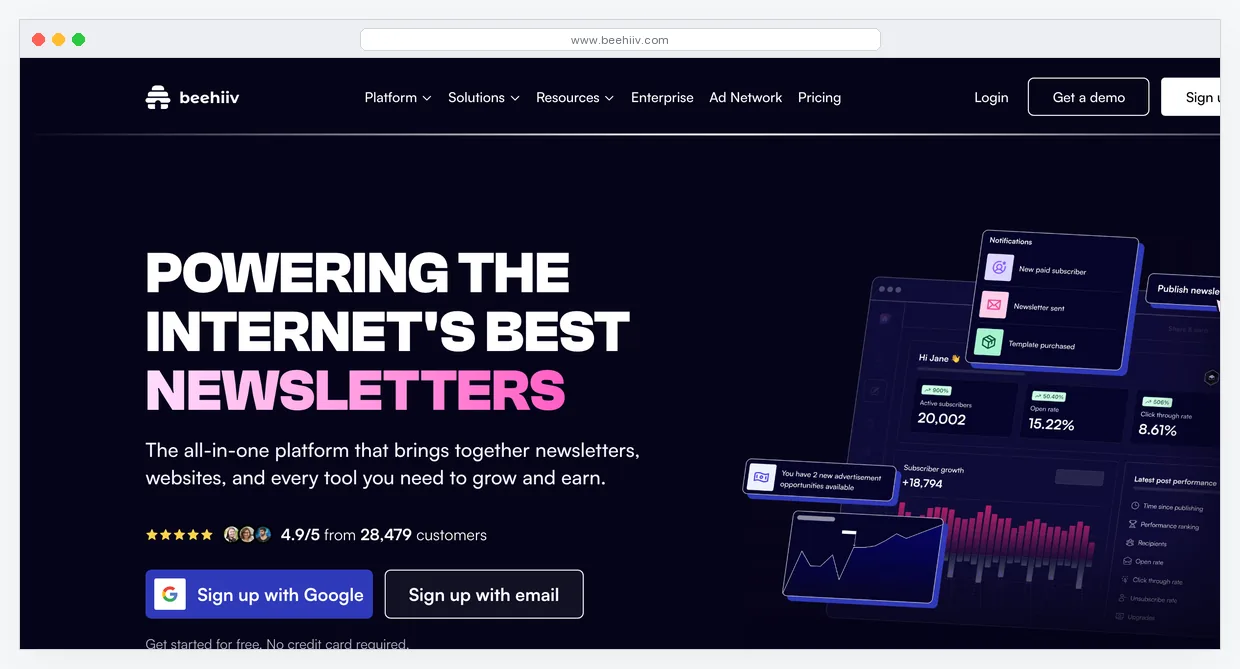

beehiiv
Best for: Newsletter operators monetizing via paid subs, ad networks, or boosts. Built by Morning Brew alumni. Automation focuses on welcome sequences, milestone-based unlocks for paid subscribers, and the boosts marketplace where other publishers pay you per signup. Free through 2,500 subscribers with newsletter, website, and ad network access. The Scale plan at $39/mo lifts contact caps and adds full automation.
Skip this if: Your business is courses, ecommerce, or services, not a newsletter. beehiiv's automation tooling is shallow on the behavioral side: it's a content platform with built-in monetization, not a marketing automation engine.


Omnisend
Best for: Solopreneur ecommerce on Shopify, WooCommerce, or BigCommerce who want abandoned cart, browse abandonment, and post-purchase flows without Klaviyo's pricing. Free plan covers 500 contacts and 500 emails per month with all email and SMS automation features included. Standard plan starts at $16/mo for 500 contacts and 6,000 emails. Pre-built ecommerce automations activate in minutes.
Skip this if: You don't sell physical or digital products through a store. Omnisend's strength is ecommerce-native data: order events, product affinity, abandoned cart. Outside that context, GetResponse or ActiveCampaign do more for the same money.


Klaviyo
Best for: Stores doing $10k+/mo where deeper segmentation pays for itself. Predictive analytics show expected next purchase date, lifetime value estimates, and churn risk per contact. Pre-built ecommerce flows on day one. The free tier covers 500 contacts and 500 emails. The $20/mo entry plan covers 500 contacts and 5,000 emails per month.
Skip this if: You're under $5k/mo in store revenue. Pricing scales fast: 5,000 contacts crosses $100/mo. Omnisend or GetResponse handle 90% of the same use cases for one-third the cost at small scale.
Workflow Automation: Glue Between Apps
These tools don't replace an email platform. They sit alongside one and move data: form submissions to your CRM, Stripe receipts to a spreadsheet, new contacts into the right segment. Add one only when you have something specific to wire up.
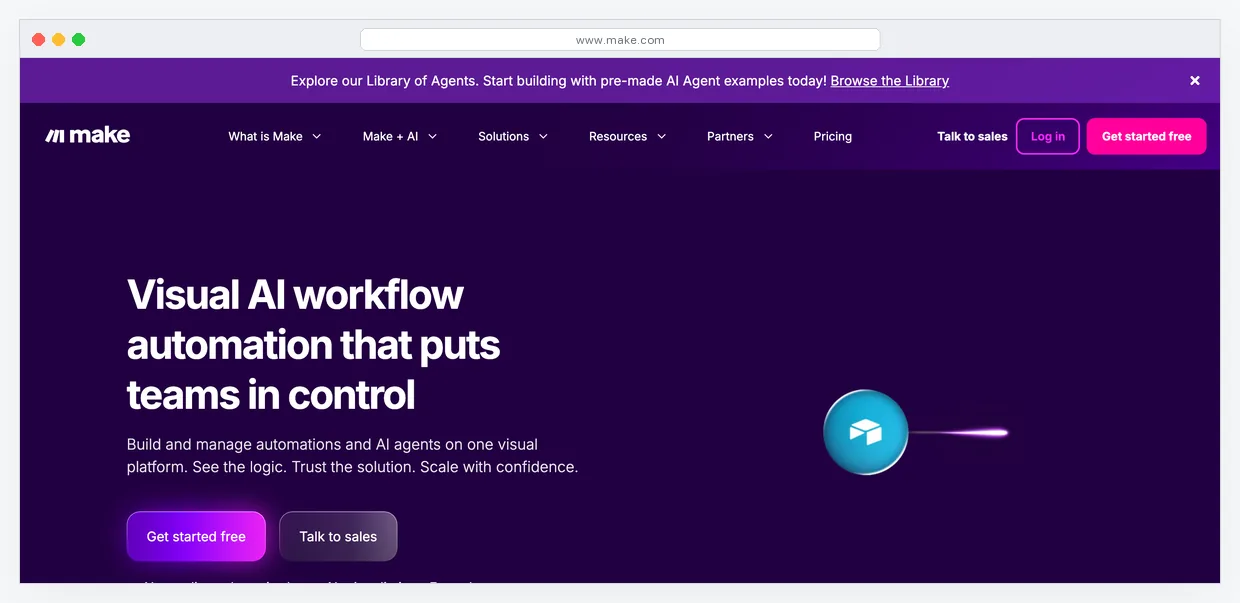

Make
Best for: Solopreneurs running cross-app workflows at any real volume. $9/mo for 10,000 operations. The same volume on Zapier costs $69/mo or more. Visual scenario builder handles branching, loops, and data transformation. Free tier includes 1,000 operations per month.
Skip this if: Your only automation need is a single trigger going to a single action. Zapier ships faster for that. Make's power-to-cost ratio only matters once you're running multiple flows.

Zapier
Best for: First-time automators who want a working flow in 20 minutes. 7,000+ app integrations, the widest library on the market. Free tier covers 100 tasks per month. The $19.99/mo plan covers 750 tasks with multi-step Zaps.
Skip this if: You're past 1,000 monthly tasks. Per-task pricing punishes scale. Move to Make once you've built and validated the flows here.
Stack picks by budget
- $0/mo: MailerLite free (up to 1,000 subs) for email and automation. No workflow tool yet. Total: $0.
- $50/mo: GetResponse Email Marketing ($19/mo, 1k subs) + Make Core ($9/mo, 10k ops) + leave room for a domain ($1/mo) and tip jar. Total: ~$29/mo with headroom for growth.
- $150/mo: ActiveCampaign Plus ($70/mo, 1k contacts, full CRM) + Make Pro ($16/mo) + Omnisend Standard ($16/mo) if running ecommerce. Add Zapier Starter ($19.99) only if you need a specific app Make doesn't cover.
Not sure which automation tool fits?
Paste your website URL and get a personalized stack recommendation in 30 seconds.
Analyze My Stack →Frequently Asked Questions
Email-platform automation vs workflow automation: what's the difference?
Email-platform automation runs sequences and behavioral logic inside one tool: someone joins your list, gets a welcome series, opens email three, gets tagged, gets a follow-up. The data and the action live in the same place. Workflow automation (Make, Zapier, n8n) connects external tools: a Stripe payment lands a row in a spreadsheet and adds the buyer to a different email list. Most solopreneurs need email-platform automation first, and only need workflow automation when their stack grows past three or four tools.
What does marketing automation actually cost on a real list?
At 1,000 subscribers: MailerLite $19/mo, GetResponse $29/mo, ActiveCampaign $29/mo. At 5,000 subscribers: MailerLite $39/mo, GetResponse $69/mo, ActiveCampaign $99/mo. Klaviyo at 5,000 contacts crosses $100/mo. The differences widen fast above 10,000. Brevo's pay-per-send model breaks the pattern: 50,000 dormant contacts mailed once a month can land under $30/mo.
When does email automation actually pay off?
When the manual version takes more than 30 minutes a week and the automated version runs reliably. Common wins: welcome sequence for new signups, abandoned cart recovery, post-purchase nurture, lead-magnet delivery. The mistake most people make is automating before they have a working manual process. Build the sequence by hand for two weeks first, see what subscribers actually open and click, then automate it.
Make vs Zapier in 2026: which one?
Start with Zapier if you want a working flow in 20 minutes and you're building one or two automations. Switch to Make once you're running multiple flows or hitting Zapier's task limits. At equivalent volume Make costs roughly one-tenth of Zapier. The tradeoff is the learning curve: Zapier is minutes, Make is hours.
Do I need workflow automation at all if I'm on GetResponse or ActiveCampaign?
Not at first. Modern email platforms have native integrations for Stripe, Shopify, WooCommerce, Calendly, and the common form tools. You only need a workflow tool when something in your stack doesn't have a native integration with your email platform, or when you're moving data between two non-email tools (a CRM and a project tool, for example).